Screenshotter
One of those tools I built because the alternative kept annoying me.
The annoying alternative: open DevTools, toggle responsive mode, scroll through the page, screenshot, switch to mobile, repeat, save, rename. Fine once. Tedious on the fifth competitor in a row.
Screenshotter lives in your Mac menu bar as a little icon. Paste a URL, press Enter, get back two full-page screenshots — desktop (1440px) and mobile (360px) — on your Desktop, previewed side by side. That's it.
It's Python under the hood — a rumps menu bar app spinning up a local server, Playwright running headless Chromium for the actual captures, and Server-Sent Events so you get live progress in the UI instead of staring at a spinner.
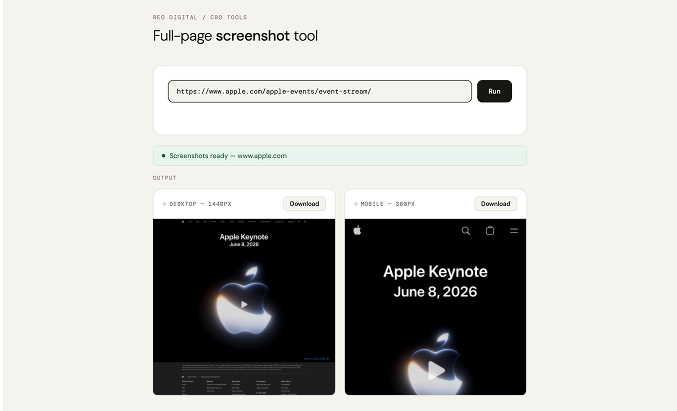
Full-page screenshot tool
Paste a URL, press Enter — desktop and mobile screenshots land on your Desktop in seconds.
Stealth mode. The browser patches navigator.webdriver, spoofs plugin counts, and sets realistic Accept-Language and timezone headers. Enough to avoid the most common bot-detection tripwires without going overboard.
Cookie banner dismissal. Before taking each screenshot, it runs a JS snippet that clicks through common “Accept cookies” buttons and hides GDPR banners by matching text keywords and CSS selectors. Real screenshots, not cookie-wall screenshots.
Figma-friendly tiling. Figma has a 4096px height limit on imported images. If a full-page screenshot exceeds that, the tool automatically slices it into numbered tiles and saves them to a separate folder on your Desktop, with a “Reveal in Finder” button in the UI. Drop the tiles into your Figma file, toggle auto layout, and the full page renders perfectly — no more pixelated imports.
I use this thing almost every day — competitive research, design audits, product mockups, client reviews. What used to take ten minutes of faffing in DevTools is now just a URL and a few seconds.
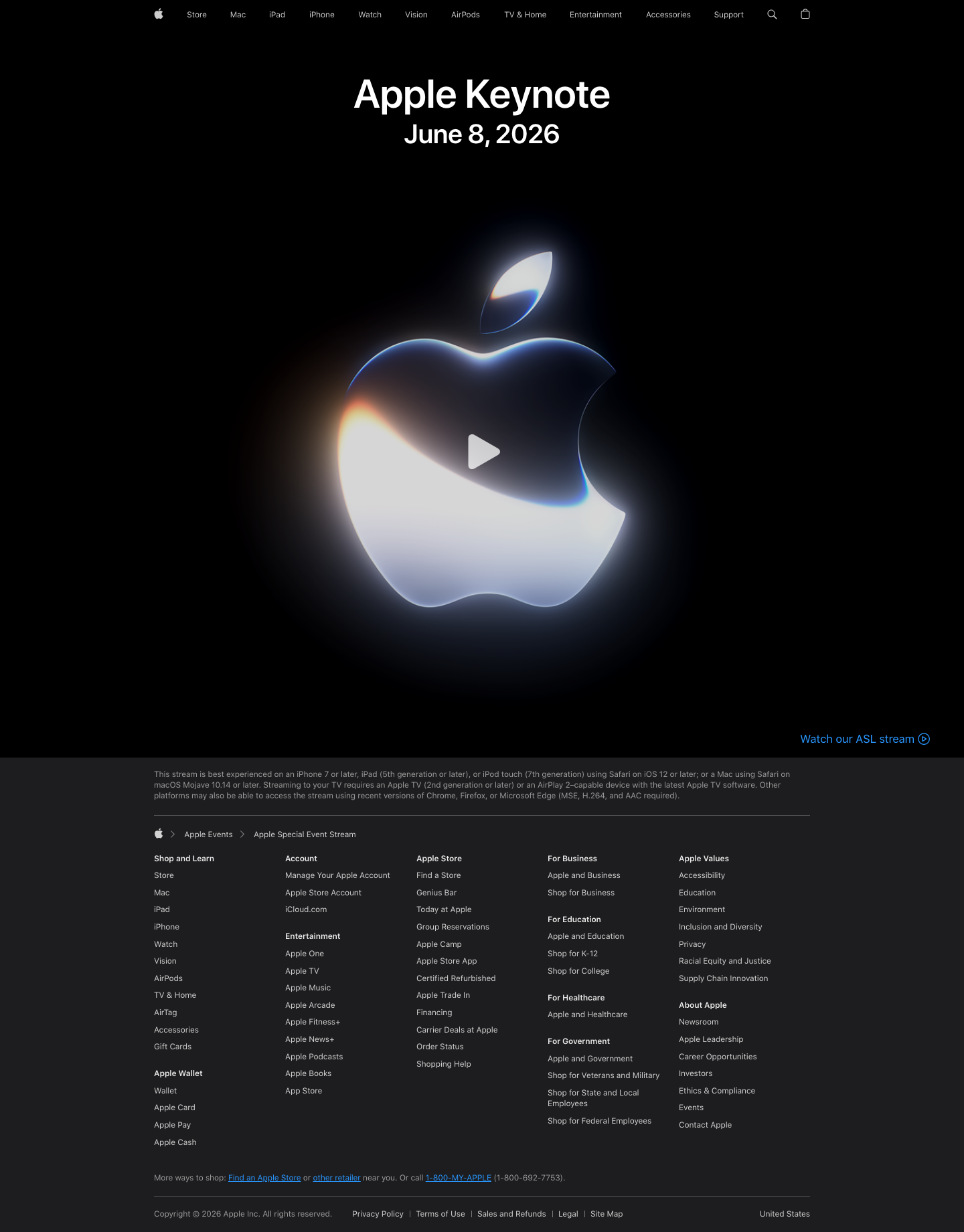
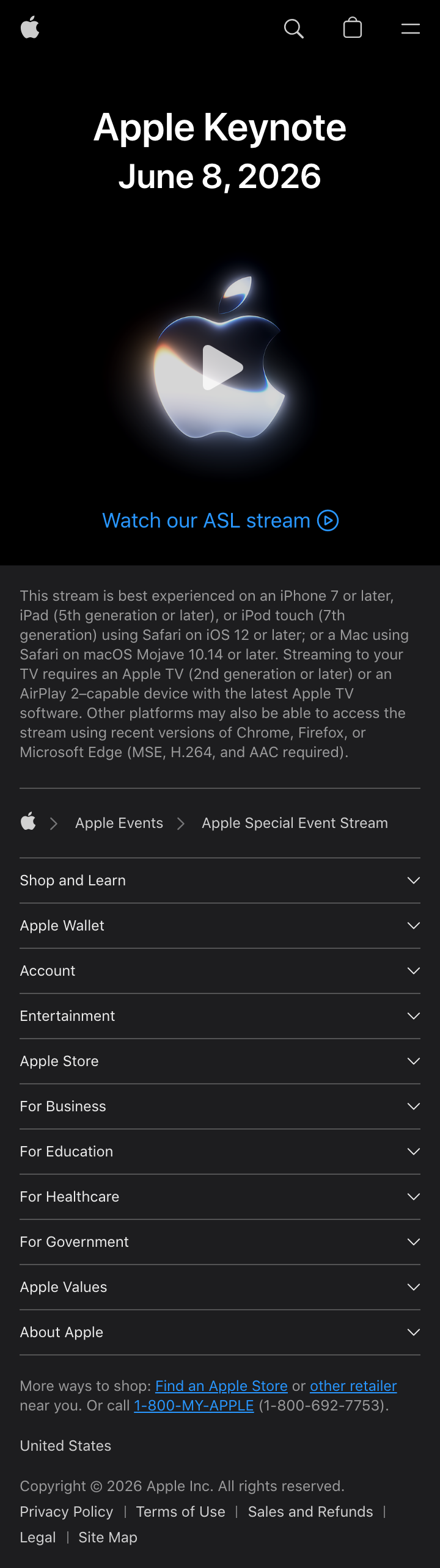
A few details that took extra work but were worth it
Stealth mode, cookie dismissal, and Figma-friendly tiling.